Start Your 3D Journey with Blender From Start to Confident Creator
Learn modeling, lighting, rendering, and animation step-by-step even if you’ve never opened Blender before.
No experience needed • Beginner friendly • Learn by doing real projects
Course Overview
Your Starting Point in 3D
This course is designed to take you from a complete beginner to a confident 3D creator using Blender.
You’ll learn how 3D actually works — not just tools, but the thinking behind creating models, lighting scenes, and producing final renders.
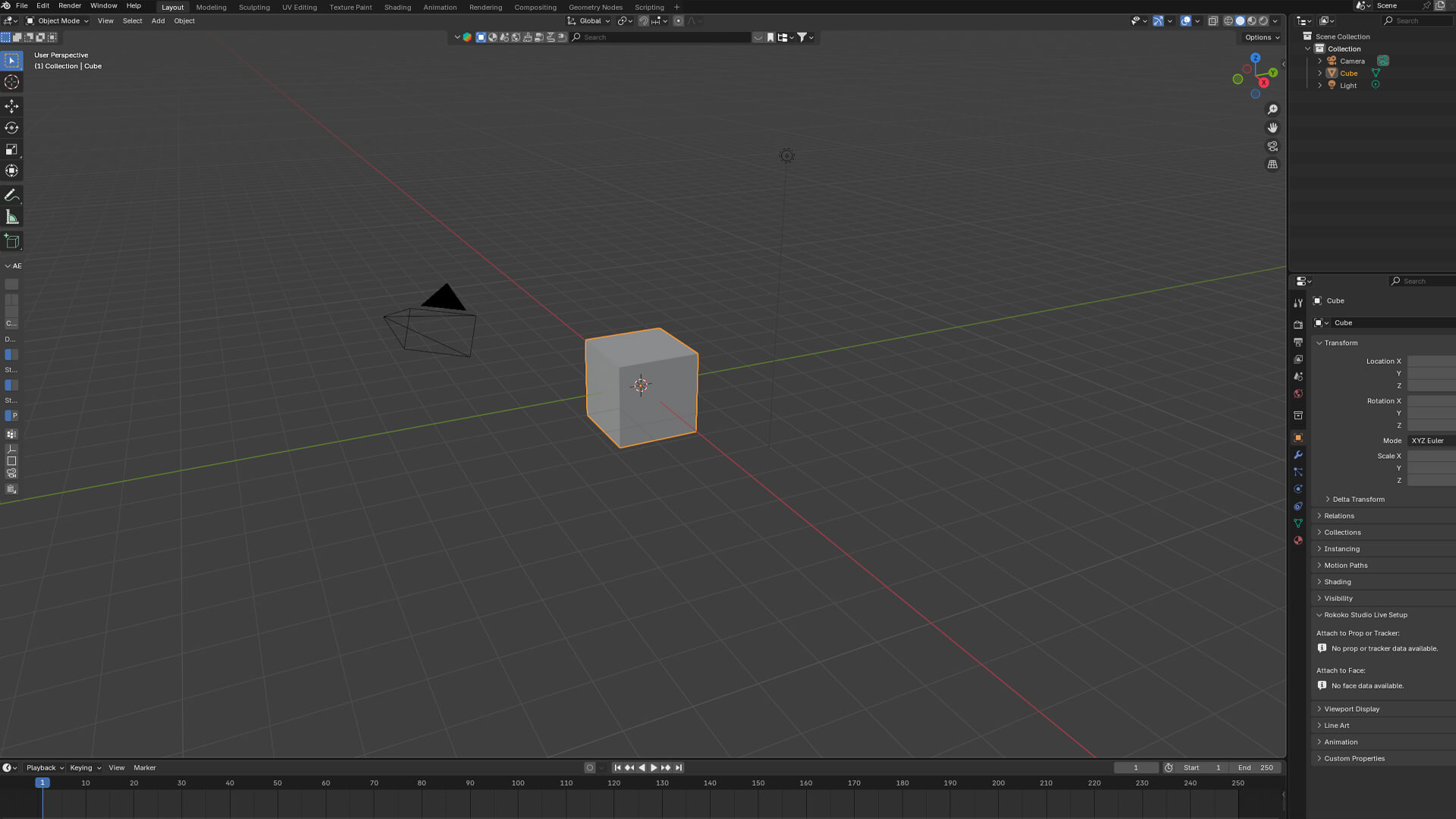
From understanding the interface to building your first projects, every step is structured to be simple, practical, and easy to follow.
By the end, you’ll have a strong foundation in 3D and the confidence to move into animation, VFX, or product visualization.
What You’ll Learn Inside the Course
Blender Basics
Understand the interface, navigation, and tools with clarity.
3D Modeling Fundamentals
Learn how to create structured, clean, and usable models.
Materials & Texturing
Add realism through surfaces, colors, and details.
Lighting & Rendering
Learn how to create cinematic lighting and final outputs.
Animation Basics
Place 3D elements into real footageMatch camera movement accurately
Real-World Workflow
Follow a structured process used in actual production.
What You will Create During the Course
This isn’t just theory you’ll build real work.
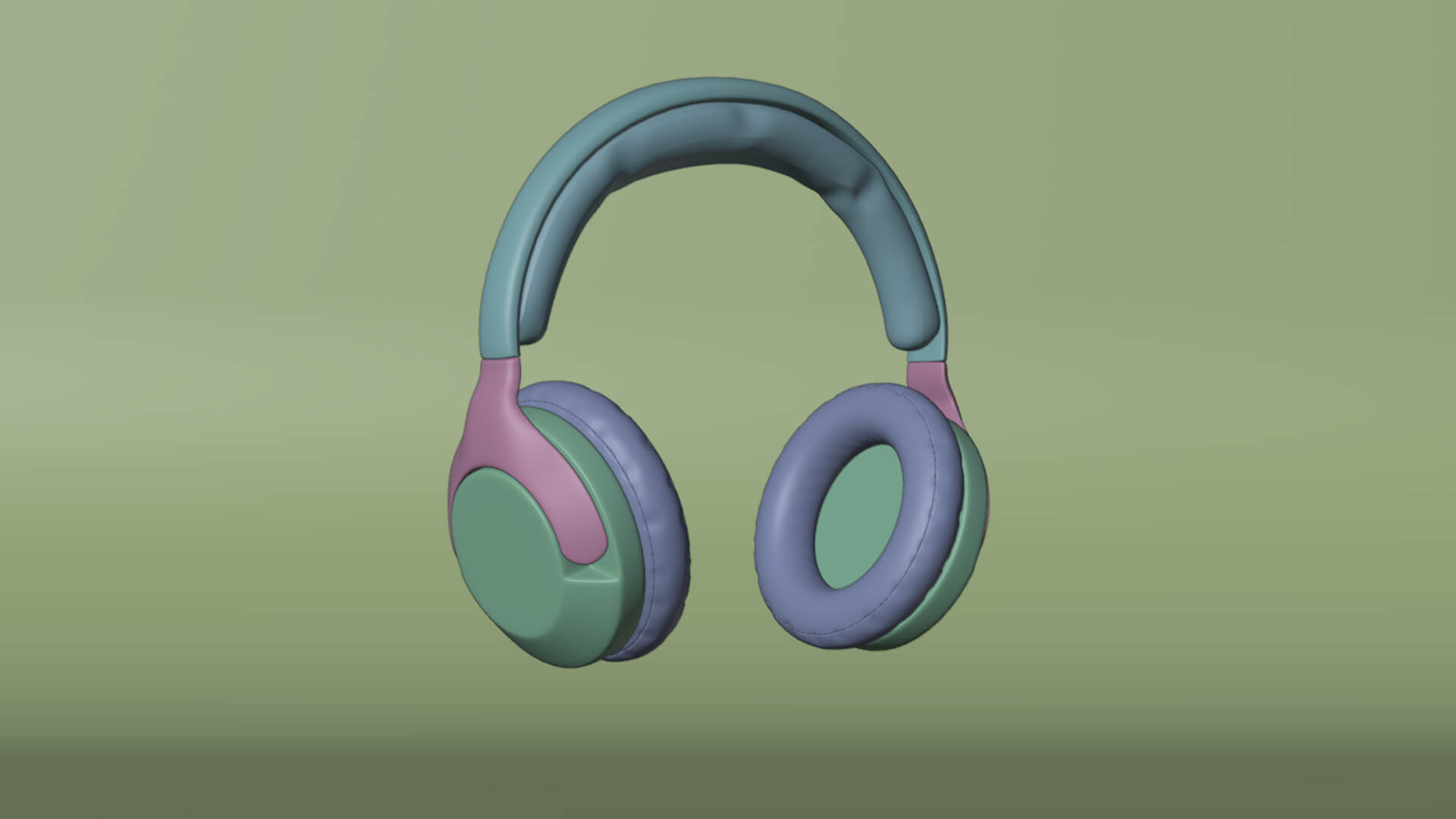
Create clean, professional 3D models
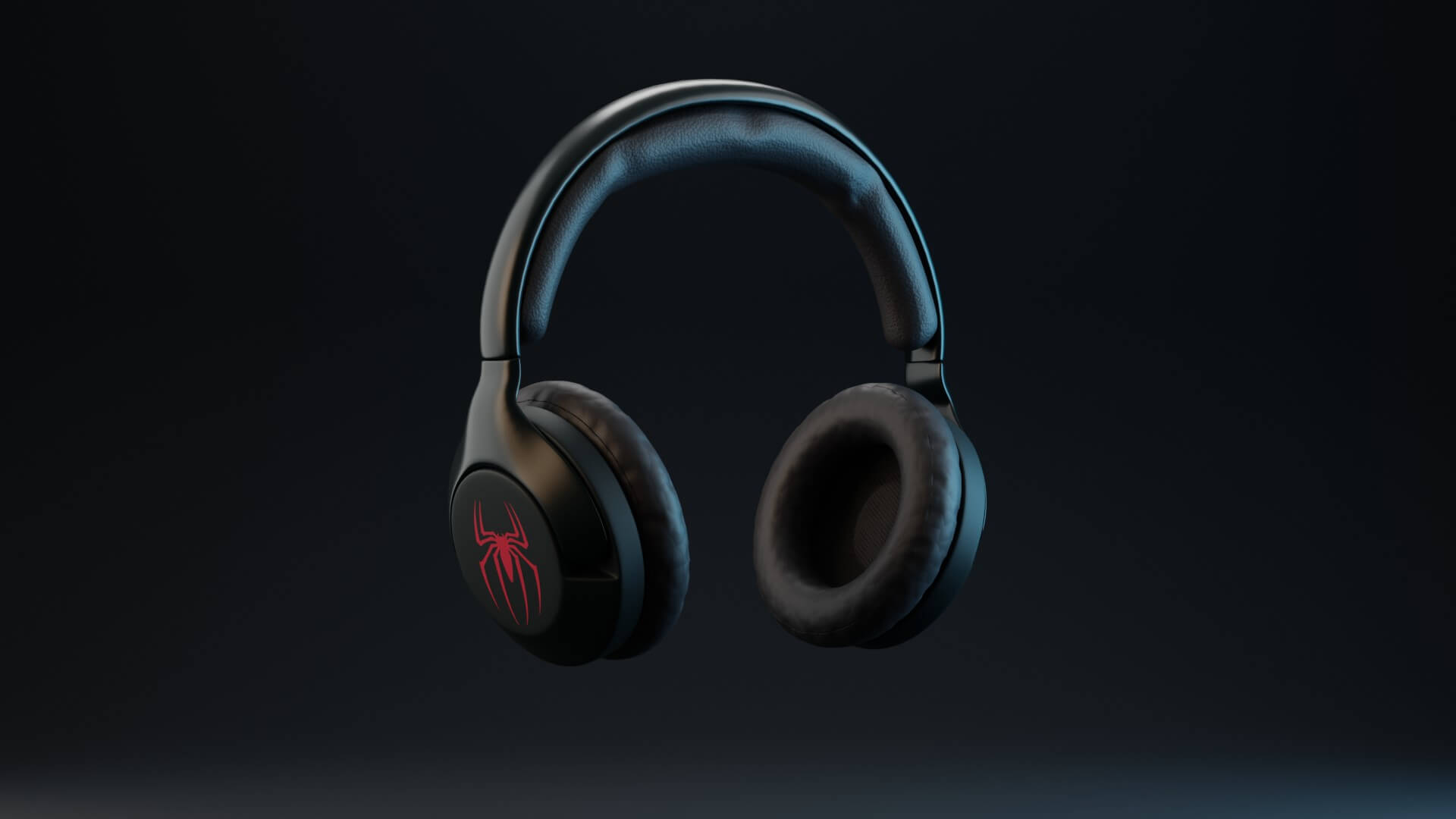
Set up realistic lighting for different scenes

Render high-quality images

Create simple animations with proper timing
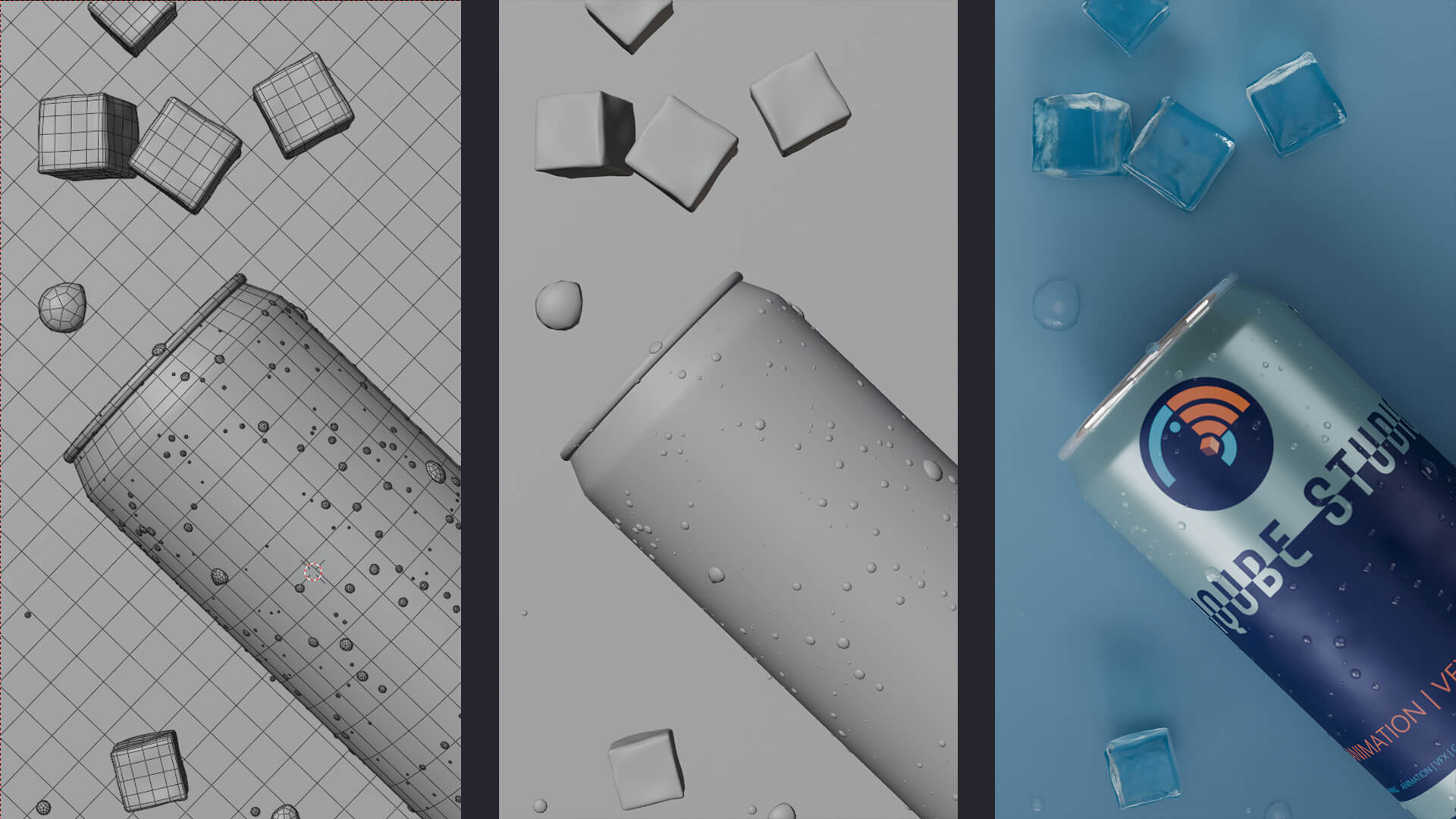
Understand how real-world 3D workflows work
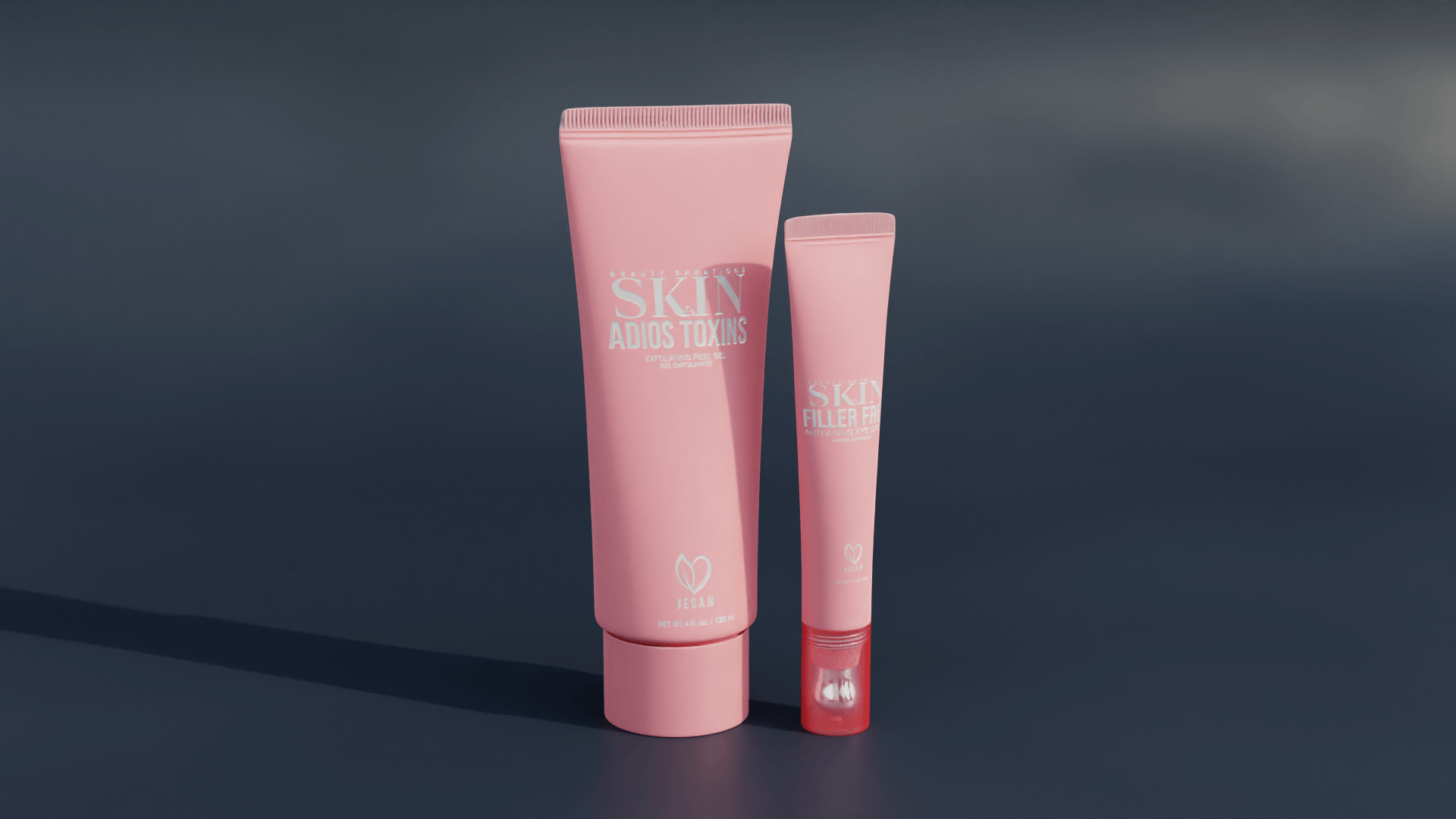
Build your first portfolio-ready outputs
How Does It Work
Simple, Structured, and Beginner Friendly
1
Start with the fundamentals
2
Practice with guided exercises
3
Build real mini projects
4
Create your final outputs
Build Real 3D Projects
Throughout the course, you’ll create work that reflects real world output.
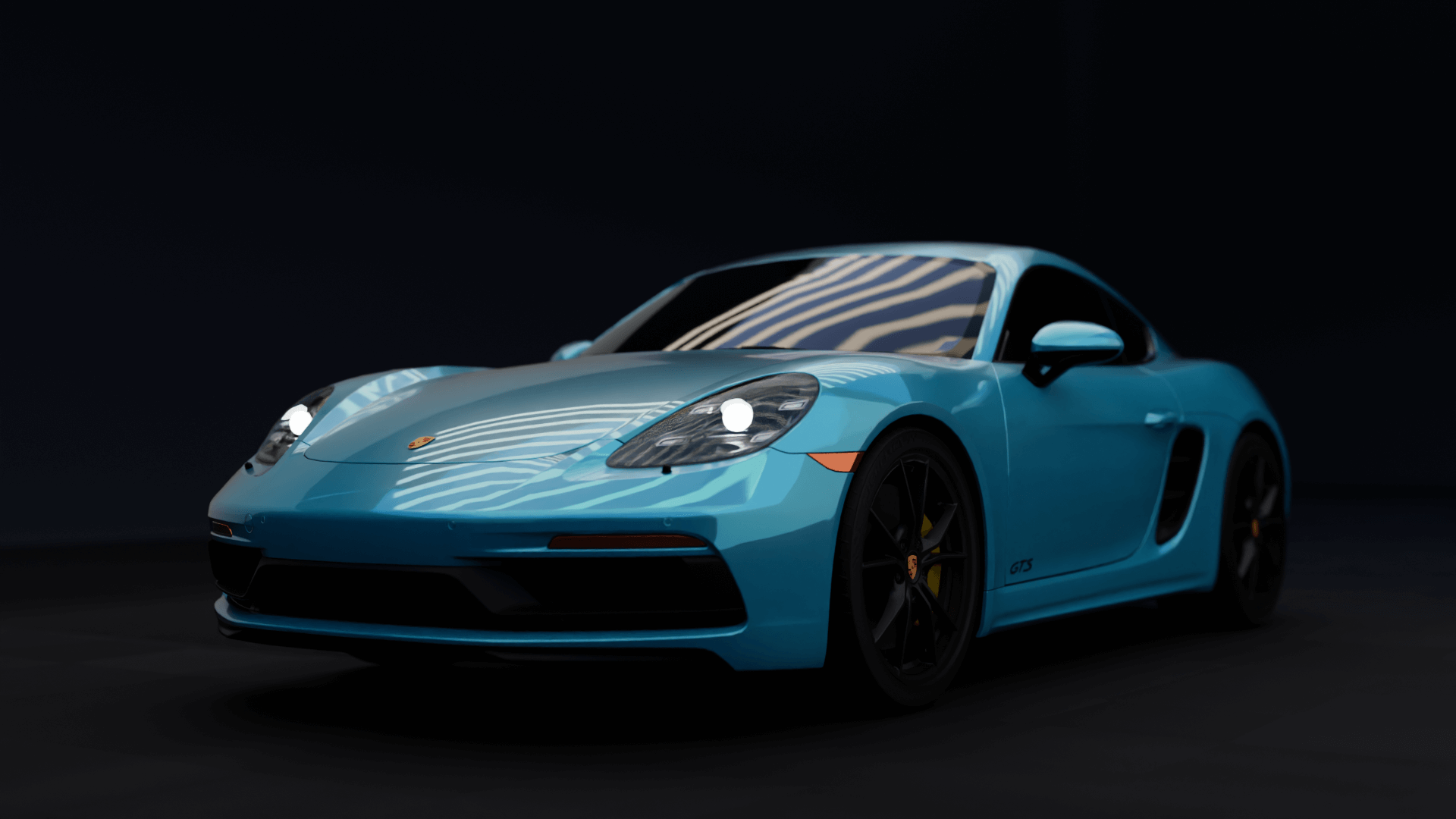
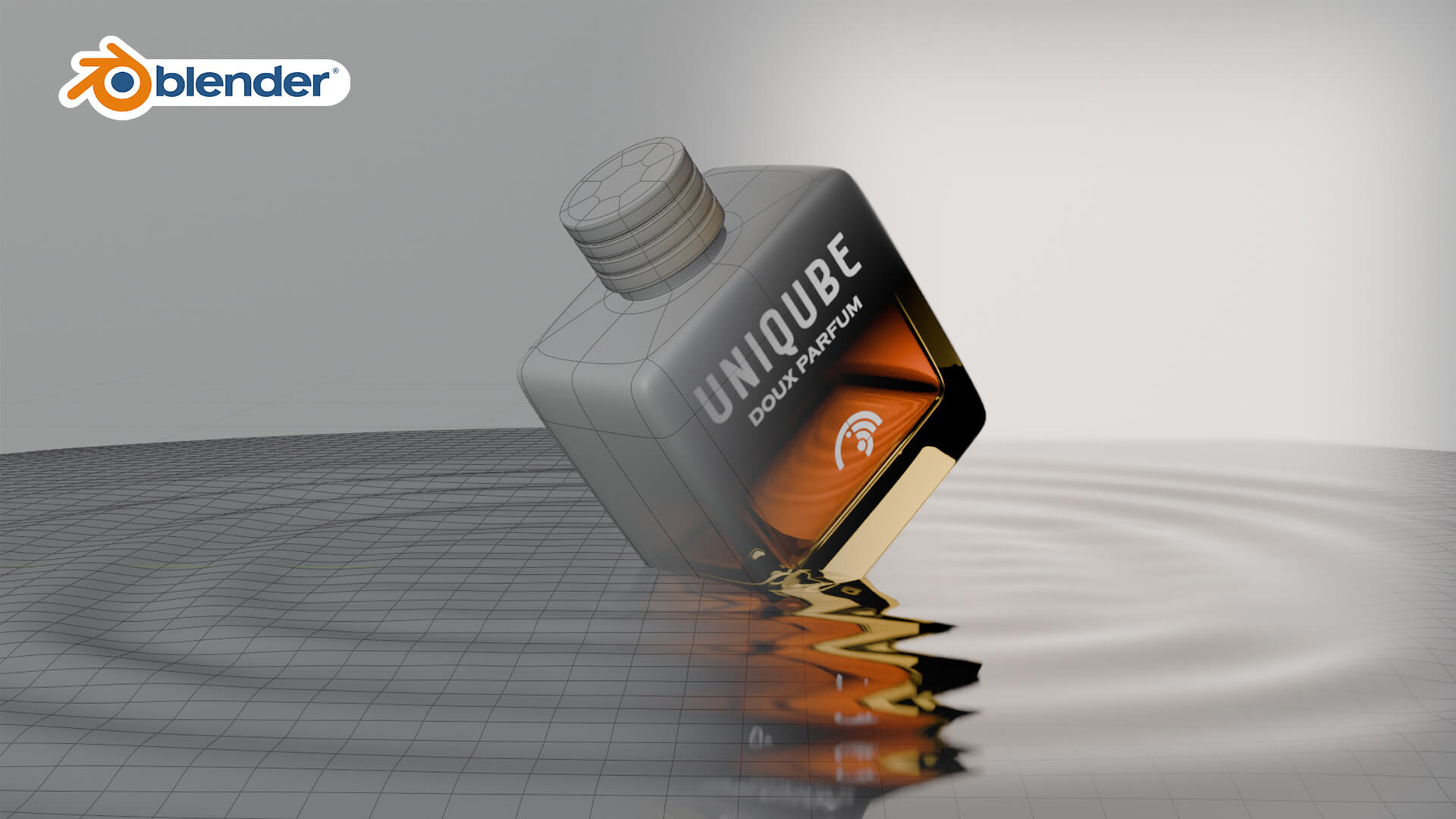
- Product-style renders
- Lighting-based scenes
- Basic animated visuals
- Final polished renders for your portfolio
Course Structure
Your Learning Journey
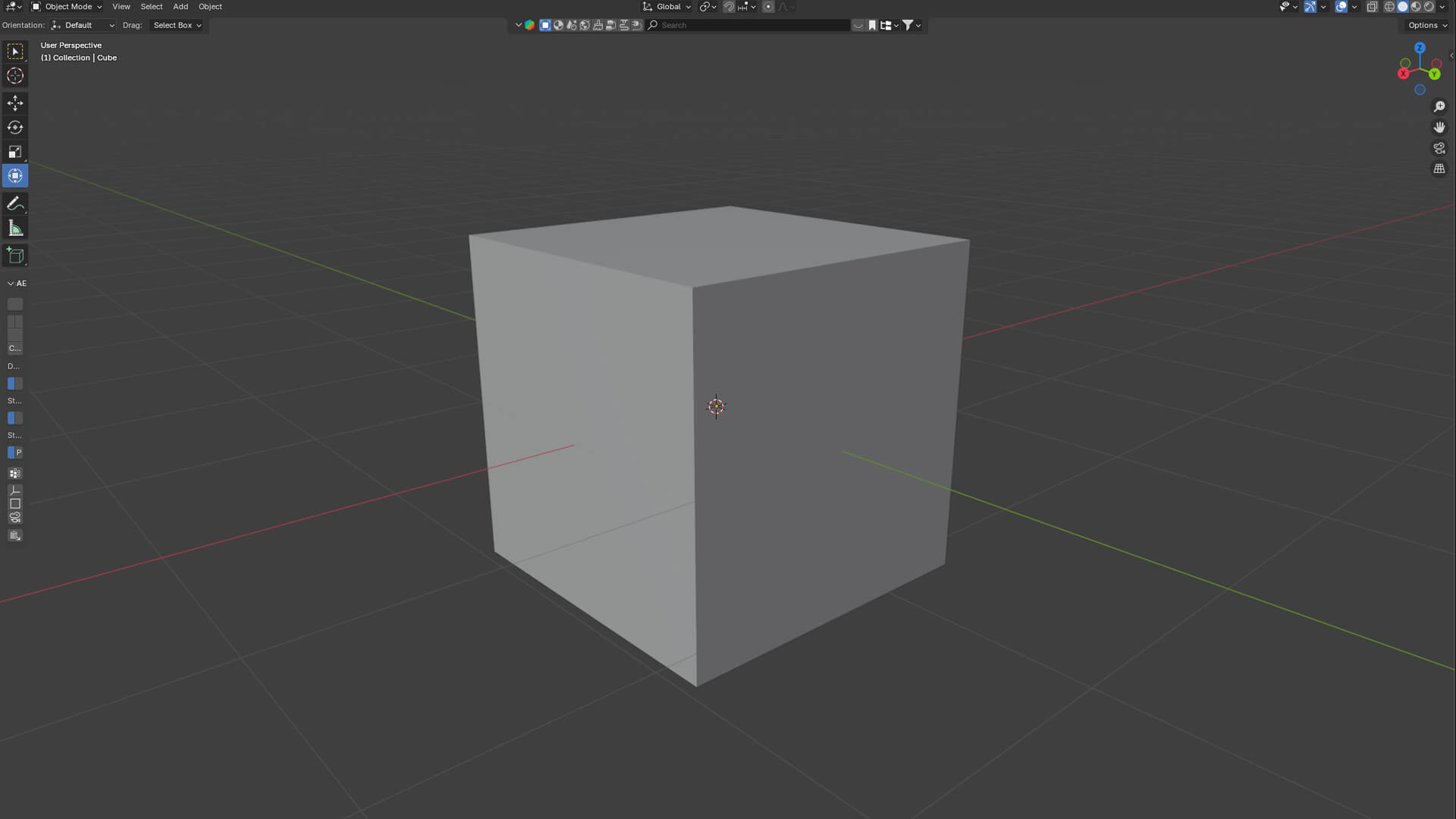
UA00 - Getting Started with Blender
Understand the Blender interface, tools, and how to navigate in 3D space.Build a strong foundation so you can work confidently without feeling lost.
UA01 - 3D Modeling Fundamentals
Learn how to create and shape objects using clean geometry and proper techniques.Understand structure and topology to build models that are easy to work with.
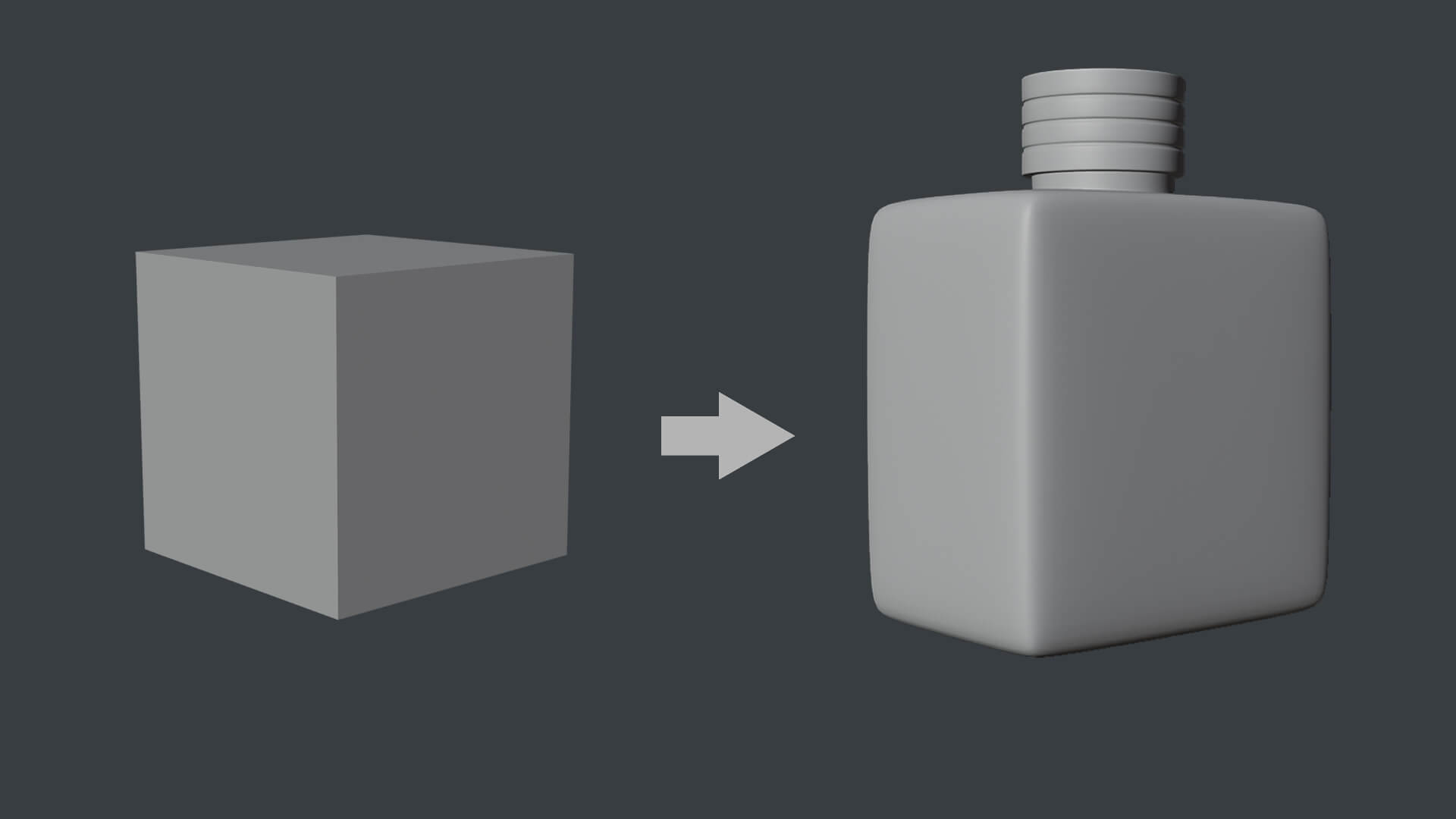
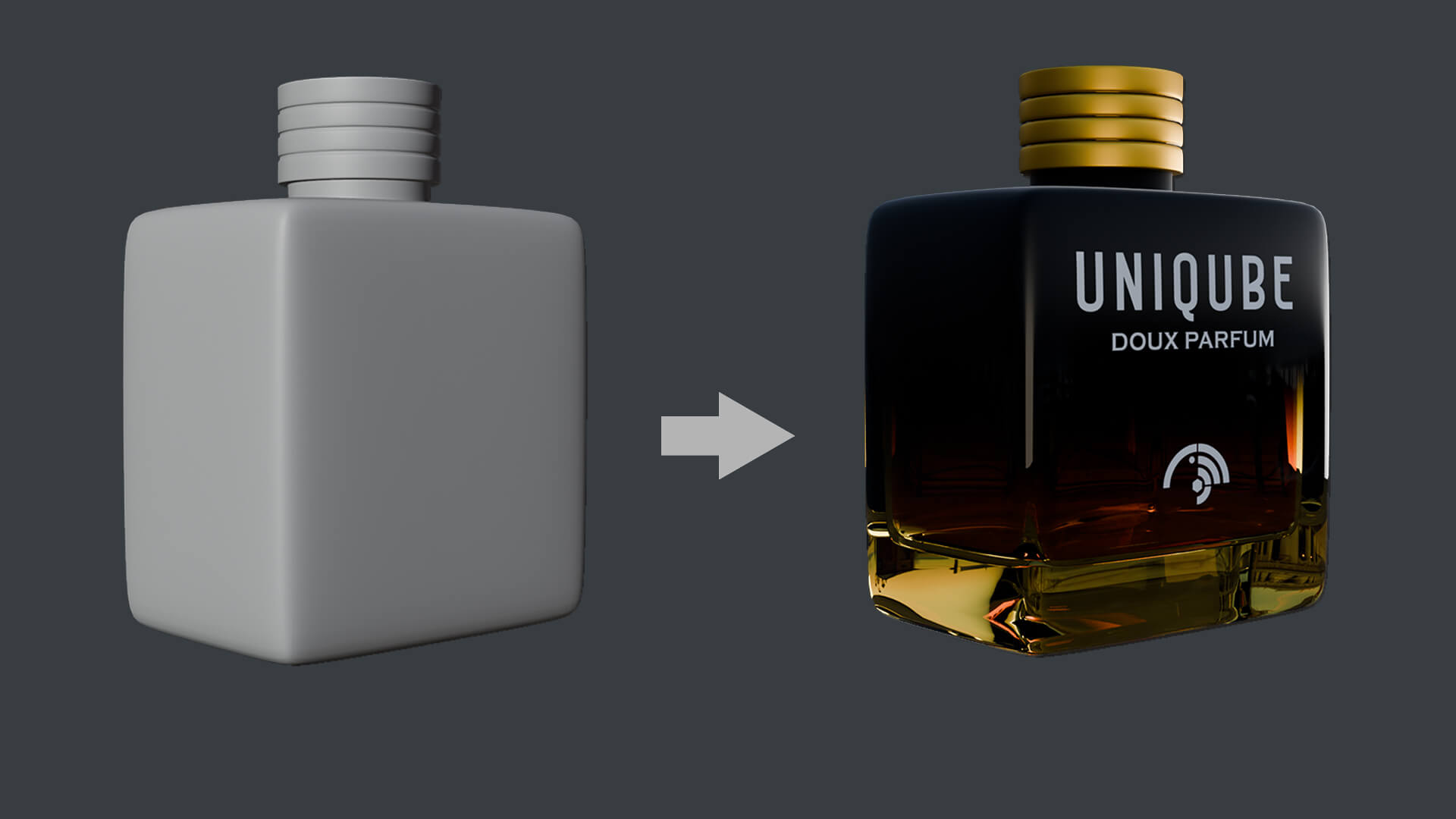
UA02 - Materials & Texturing
Apply colors, materials, and textures to bring your models to life.Learn how surfaces react to light to achieve realistic results.
UA03 - Lighting Essentials
Improve the overall visual quality
Understand how lighting works and how it affects mood and realism. Create different lighting setups to make your scenes visually appealing.
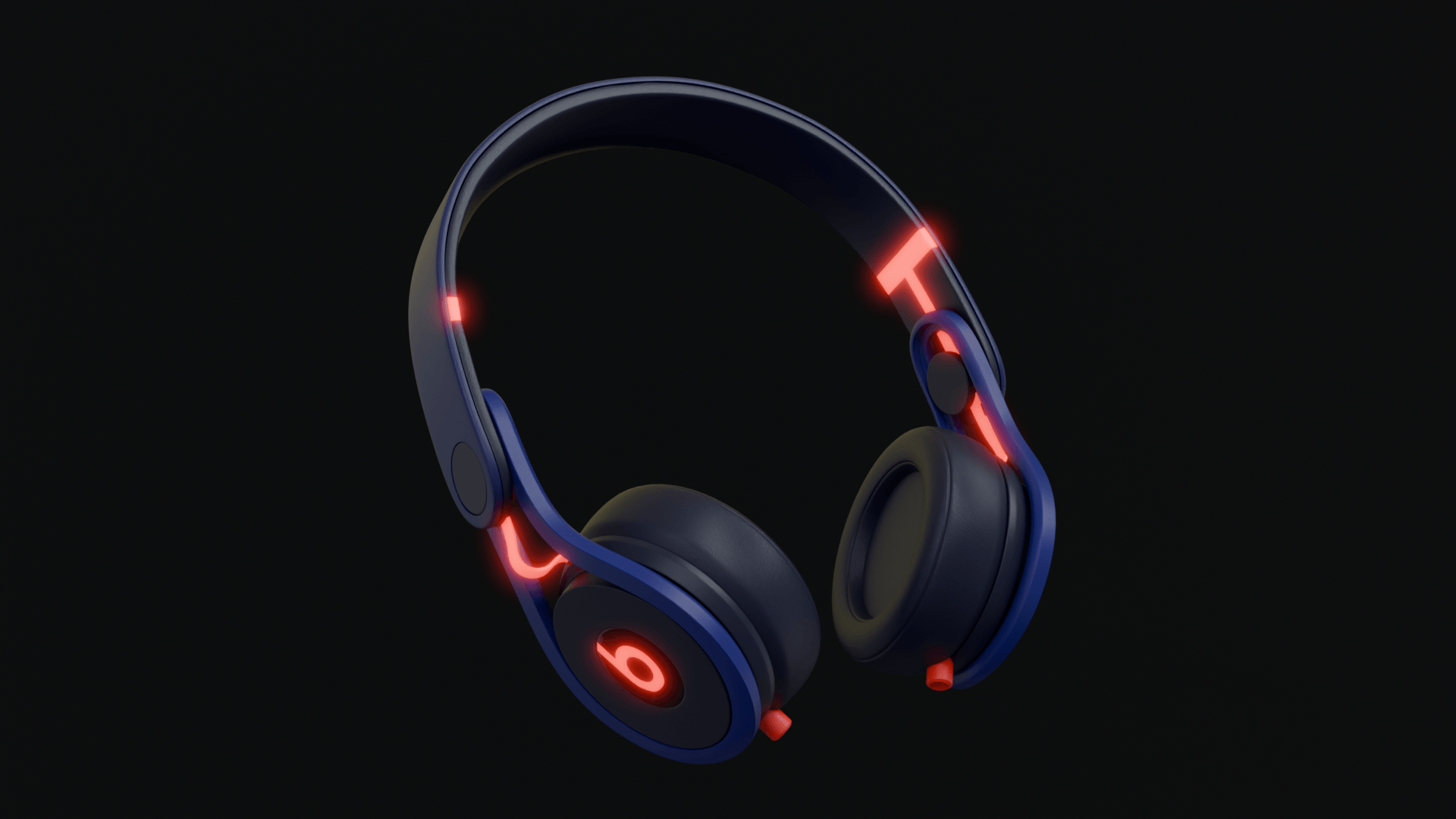
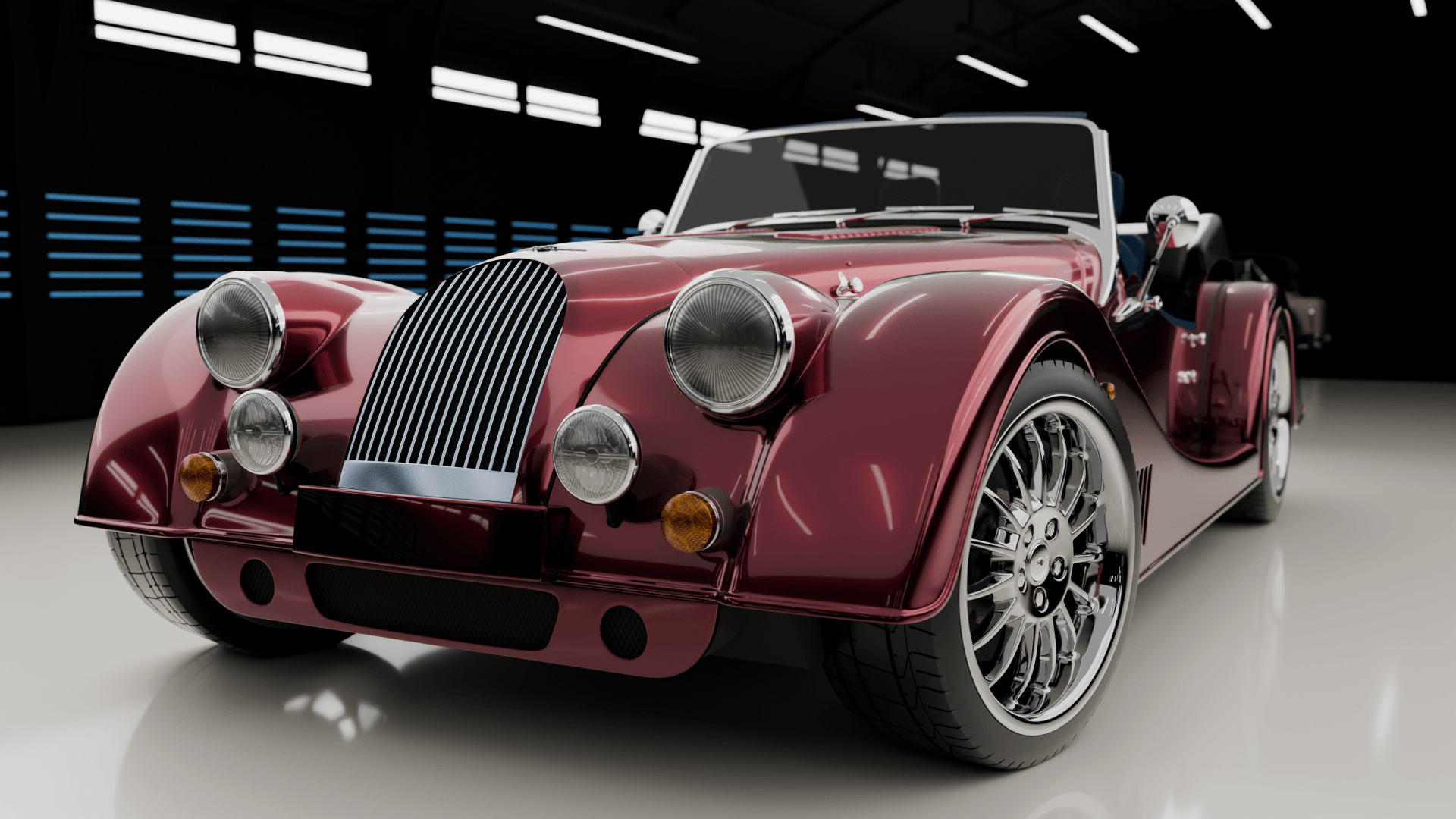
UA04 - Rendering Your Work
Learn how to generate high-quality final images from your scenes.Understand render settings and techniques to get clean, professional outputs.
UA05 - Animation Basics
Work with real footage
Learn how to create motion using keyframes and simple animation principles.Bring life to your scenes with smooth and controlled movement.

UA06 - Final Project
Create the final output
Apply everything you’ve learned to create a complete 3D scene from start to finish.Build a polished output that you can showcase in your portfolio.